Hi, Ed here.
v2.2.171 is going out to your display over Wi-Fi now. The headline is a fix for something a few of you have seen and I had been chasing for weeks: the whole screen flashing a solid color for a split second, a few times an hour.
The flash of color
Your display paints sixty pictures a second, and the chip that drives the panel needed a tiny interrupt to fire between each one, inside a window a few hundred microseconds wide. Two things could make it late: the display saving a setting to its memory, which switches part of the chip off for a moment, and the burst of work when a live map arrives. When it missed, the panel had nothing to show for part of a frame and filled the screen with its default color. On these panels that is teal.
The fix has two parts. The display's software libraries move to a version where that interrupt survives a memory write, and the panel is now fed by the hardware itself, which re-sends the picture on its own with no interrupt in the loop at all. Two displays on my bench ran it overnight, nine hours each, including the one that used to flash every few minutes. Nothing.
More room to work
The new libraries also hand the display about a fifth more of its fastest memory. Artwork and route maps that took ten seconds or more to download now take two, and a display that has been running for a day no longer refuses them. If yours ever sat on "Loading map..." for good, that was the cause, and it is gone.
The approach line
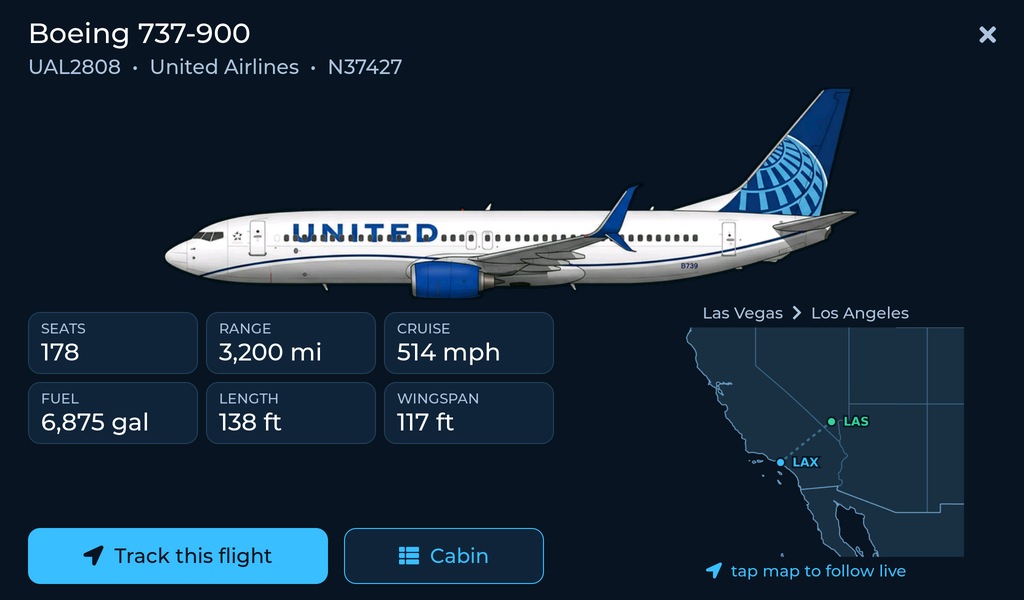
"On approach to" was worked out from the aircraft's position alone, so a flight climbing out past another airport could be labeled as arriving there. It now follows the flight's route.
Dropped Wi-Fi
When the Wi-Fi connection drops, the display used to restart itself after a minute to get it back. It now tries to recover the connection in place first and restarts only when that fails. Every drop is also logged with its reason, so if your display loses Wi-Fi often, I can see why and tell you.
One small thing
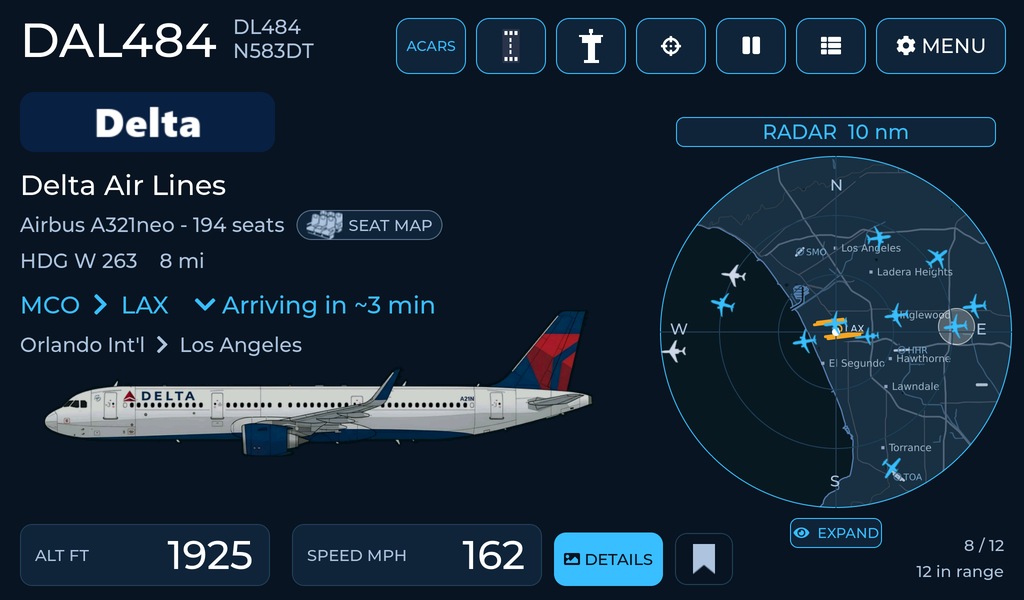
Picking an aircraft in Sky View, opening Details and then closing both left the HOLD button showing pressed for a few seconds. It does not now.
How to get it
Your display installs it on its own the next time it checks, usually within a few hours. You will see a short Software Update screen and it restarts by itself; keep the power connected. If you would rather have it now, unplug the display for a few seconds and plug it back in. Menu › System Status should then read v2.2.171.
Seen something that looks wrong? hello@wings-above.com, with a photo of the screen if you can.
Ed