Hi, Ed here.
v2.2.168 is going out to your WingsAbove display over Wi-Fi now, and WingsAbove Cloud and the apps have it the next time you open them. This one is mostly fixes, and most of them came from one owner's careful report.
Tower audio, for where you actually are
The tower button shows a code to scan so you can listen to live air traffic control on your phone. If your display was set by ZIP code or by a pin on the map, that screen could offer a tower in another state. It now looks up the major airport nearest to wherever the display is set, and says which one and how far: "Nearest tower: BDL, 36 nm". The airport name is larger too, so you can check it before you scan.
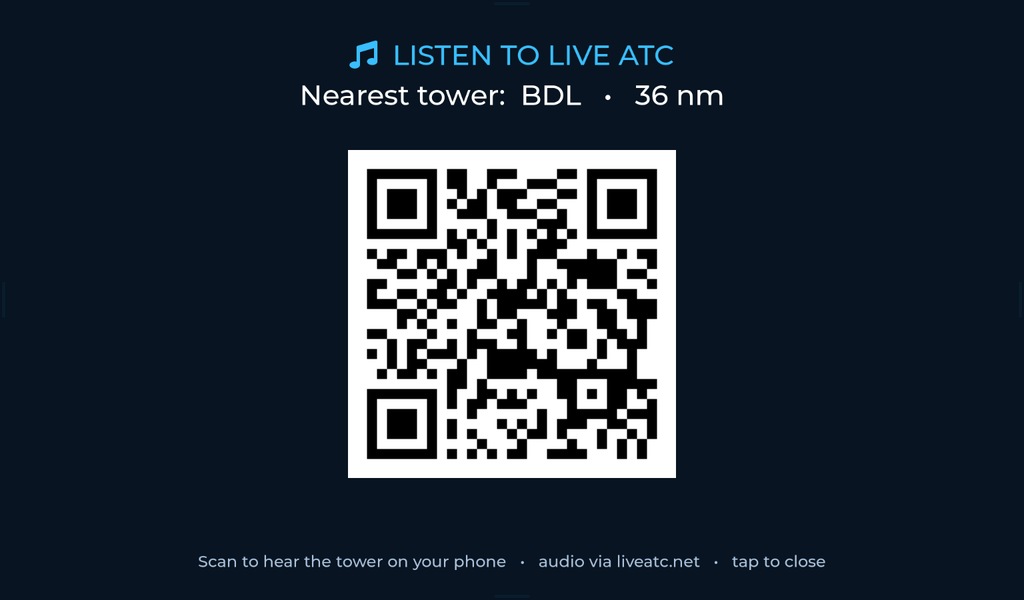
If your display is set to a small airport, you get that airport's own tower first. Small fields often have no audio feed, so the screen now carries one button to switch to the nearest major airport, and back.
One aircraft, one flight number
Right after takeoff, a card could flip between two flight numbers for the same aircraft: the flight it was flying and the one it had just landed as. The route flipped with it. The display now keeps the flight number the aircraft itself is broadcasting.
Moving between places
When you change location, the display flies you there. That flight now has a proper airplane, a white and gold airliner, in place of the arrowhead. A pin's coordinates are written out in full at each end of the route.
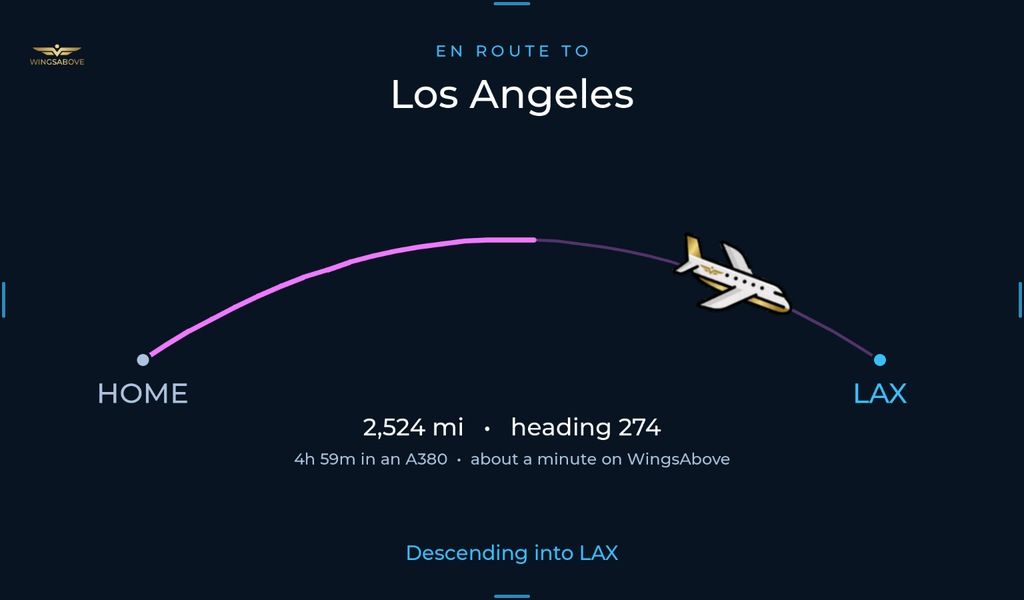
Picking the place the display is already showing used to restart it and fly a route of zero miles. It now says "Already showing this location" and stays where it is.
Smaller things
- The airport board opens on Loading after a move, never on the previous airport's flights.
- New Haven and Concord, North Carolina have their names on the route line. A flight to Concord used to read "HVN › USA", which is Concord's airport code and not the country.
- Avelo's 737-700 has its own artwork.
- On the map, a handful of towns wore their census names ("Milford city (balance)"). New maps say Milford.
The apps are out
WingsAbove is now in both app stores. It is the same live picture as your display and Cloud, on your phone or tablet, and it has every fix above. Sign in with the email address on your WingsAbove account.
iPhone and iPad: https://apps.apple.com/us/app/wingsabove/id6827840235
Android: https://play.google.com/store/apps/details?id=com.wingsabove.app
Seen something that looks wrong? hello@wings-above.com.
Ed