WingsAbove Cloud Crew · no device needed
Your pilot's whole month, on any screen in the house.
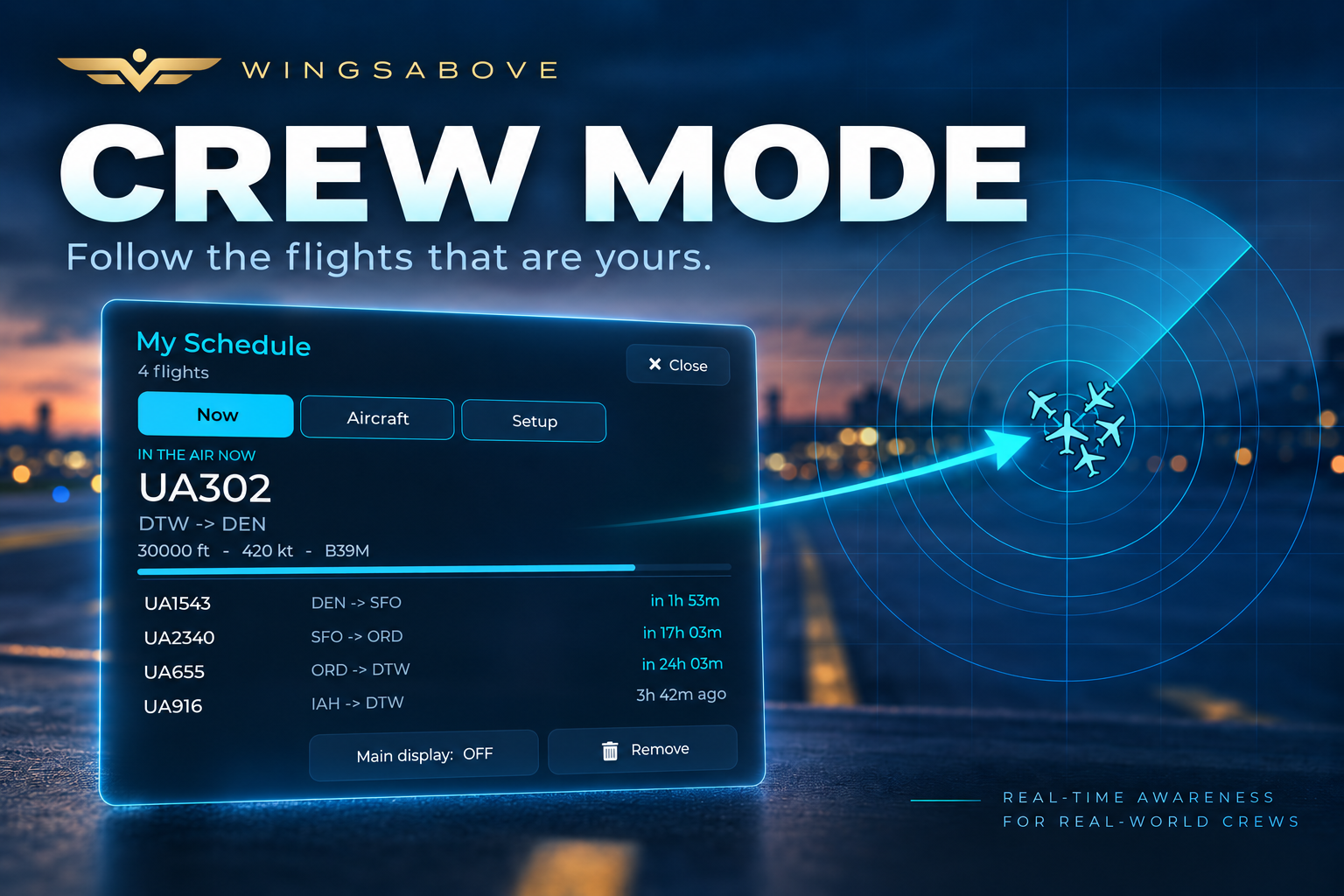
Crew Mode, in a browser. Paste the calendar link your crew portal already publishes, and the kitchen TV, a laptop or a tablet follows the whole line of flying: what is airborne, what is next, what just landed, and how long until they are home.
$12.99 a month or $119 a year after the trial. A card is asked for up front. It charges on day 15 unless you cancel, which is one click on your account page, and we email you three days before.
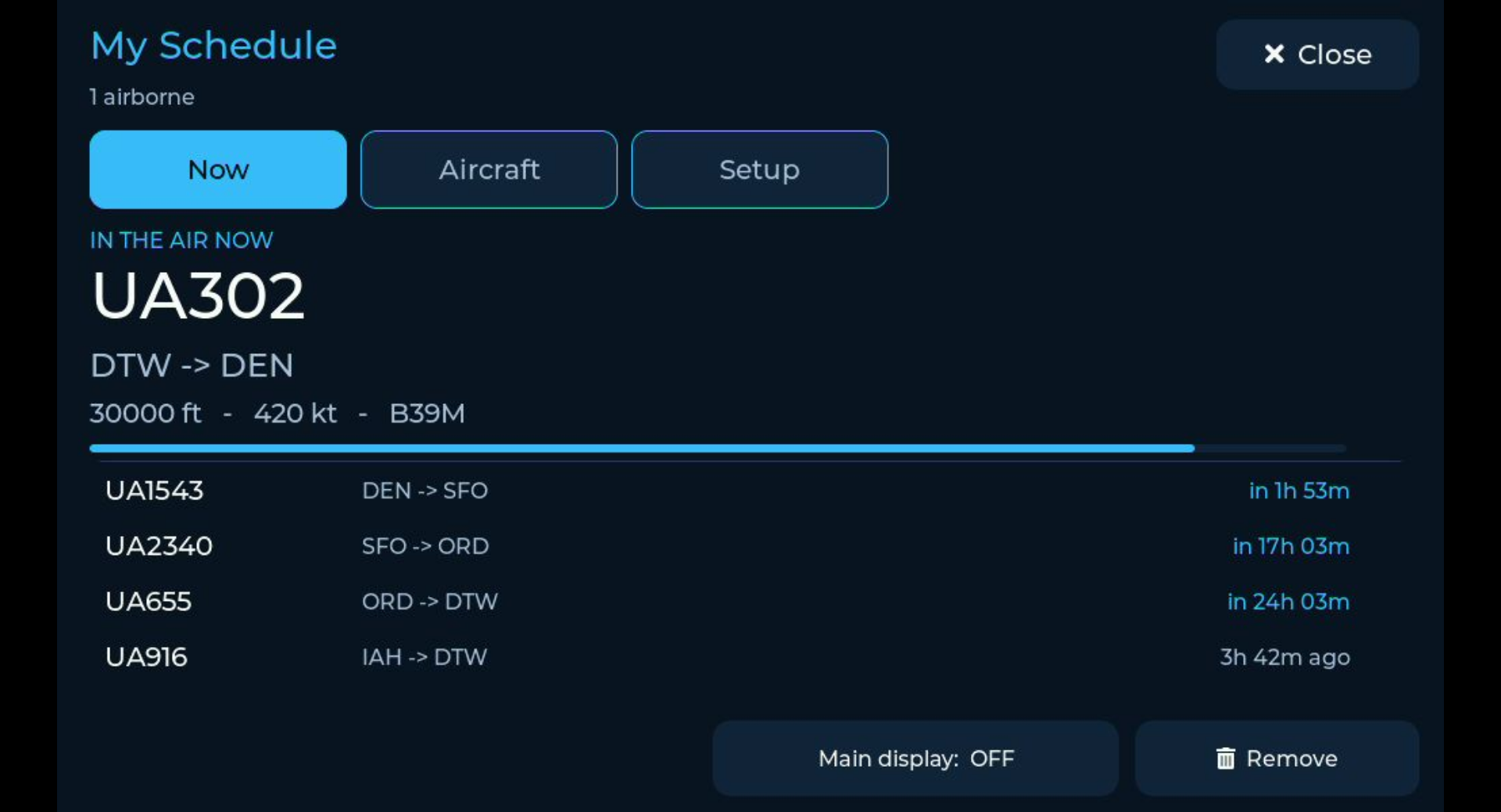
The same Crew Mode as the 7-inch display, in a browser tab.
A flight tracker tells you what is overhead.
Cloud Crew tells the people at home where you are.
It shows whatever is true right now, and moves when the flying moves.
There is no slideshow and nothing on a timer.
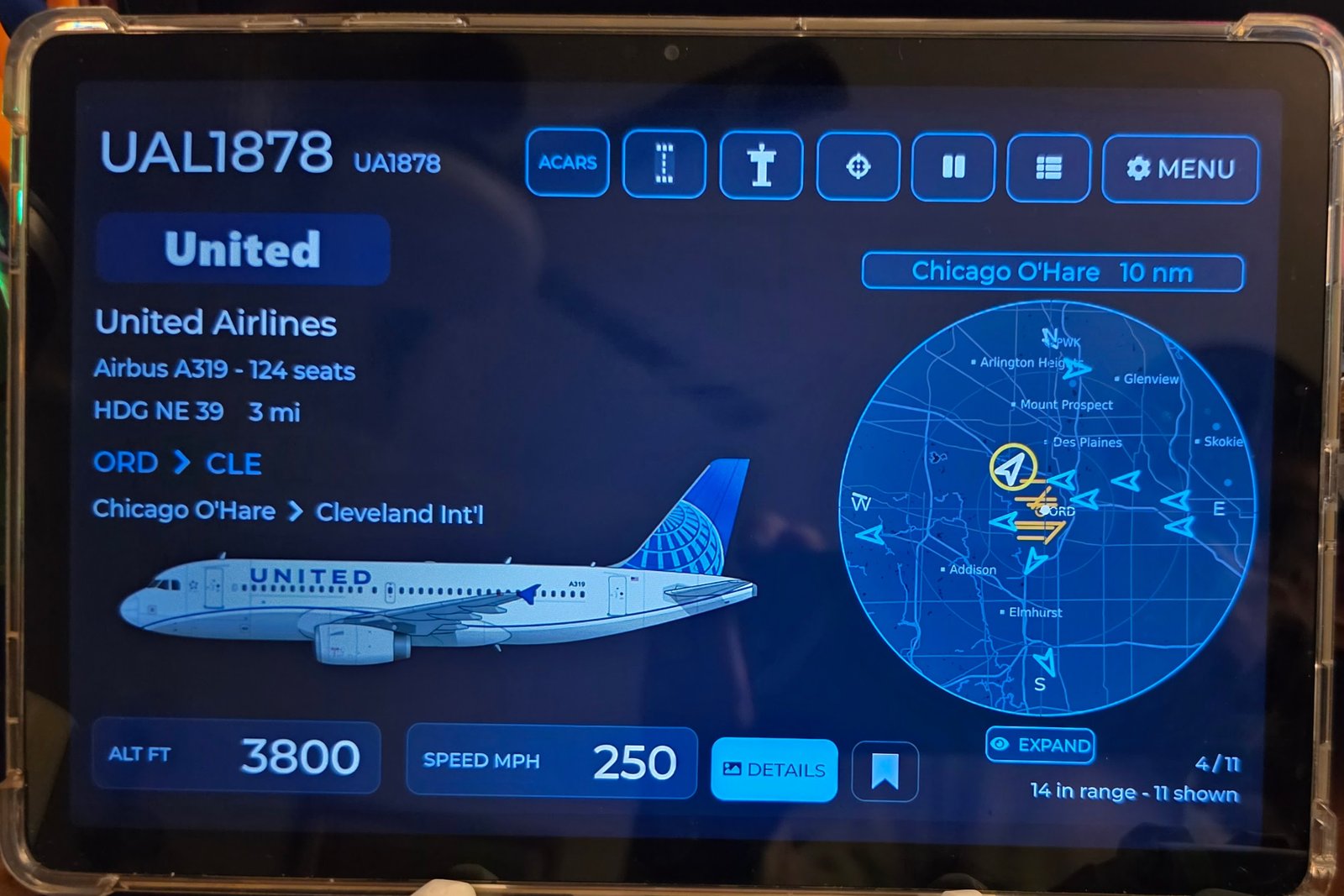
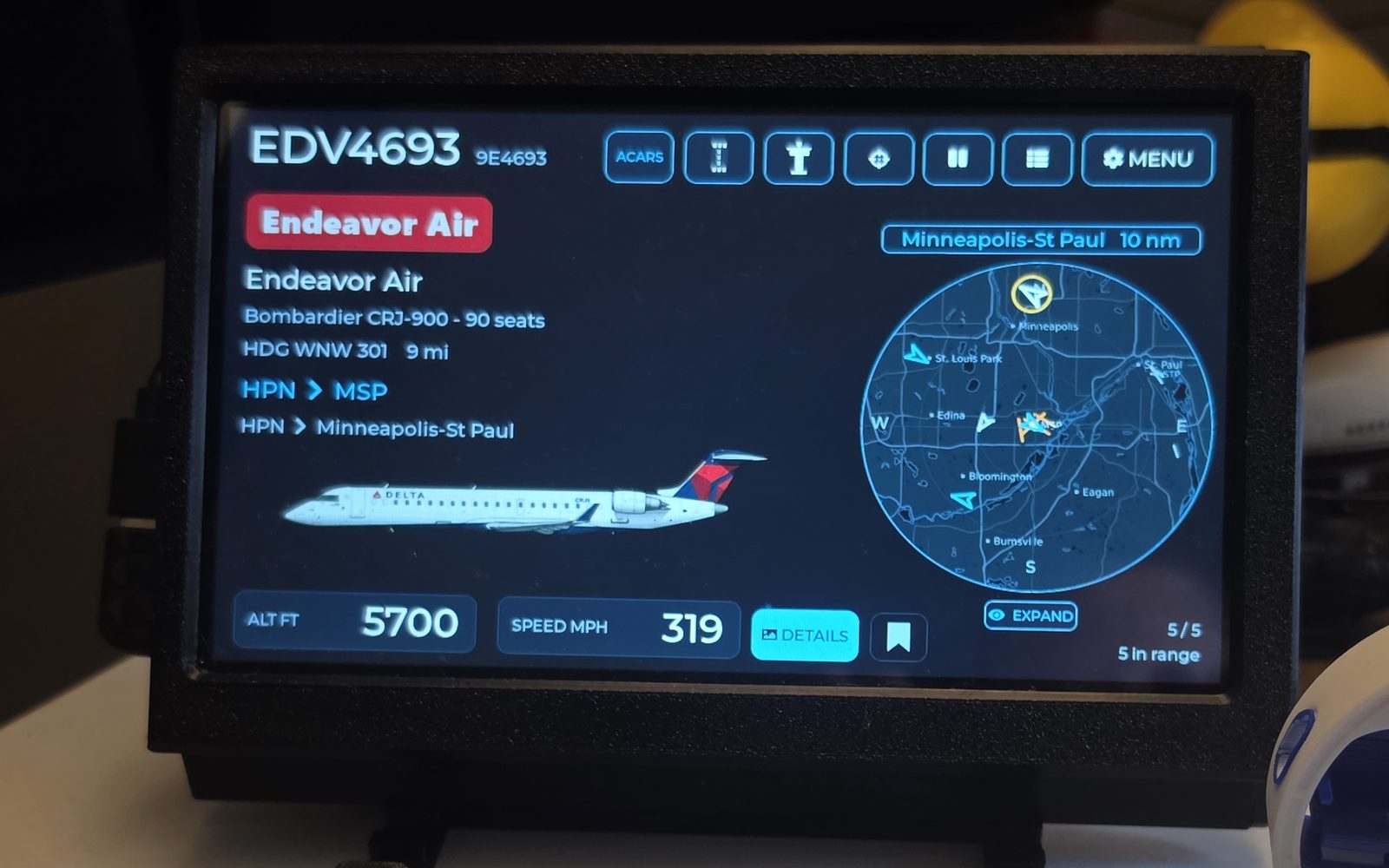
The aircraft card: type, altitude, ground speed and route, with the aircraft drawn so you can tell which one it is from across the room. The same card the display gives overhead traffic; only the subject changed.
Where they are, the local time where they are, the next departure, how many legs are left before they are home, and how long that is. Over a map of the leg they have not flown yet.
The whole trip: what is airborne, what is next out, what just landed.
How it actually went. Off and on against the schedule, whether it ran late, the real block time, which aircraft flew it.
It reads a roster the way someone who has seen one would. Hotels, reserve and training stay off the screen. Deadheads are marked as riding, not flying. Cancelled legs disappear instead of counting down. Reroutes replace themselves. When no receiver is hearing the aircraft, it says so rather than inventing a position.
From your phone, in about a minute.
If your crew portal offers a calendar subscription link, that is all it takes.
- Create your account and start the trial. Open cloud.wings-above.com on the screen you want it on. Choose Cloud Crew.
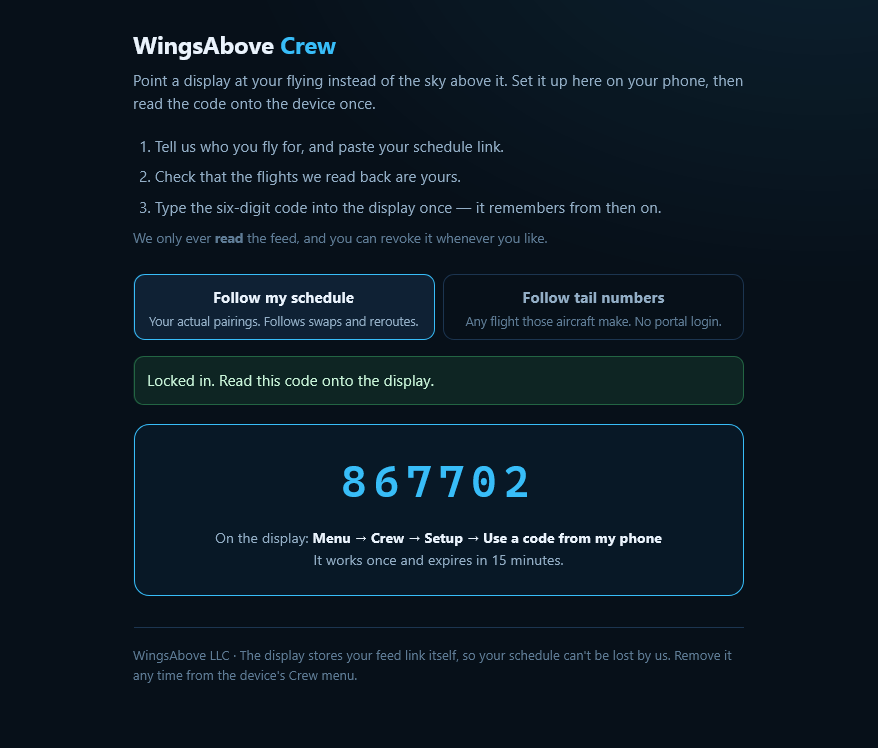
- On your phone, open the Crew page. Paste the calendar link from your portal, pick your airline, and it hands you a six-digit code.
- Type the code into the display once. It fetches the roster itself from then on. Swap a trip, pick up a turn, get rerouted at four in the morning: the screen has it the next time anyone walks past.
Point it at tail numbers.
No portal required. Add the aircraft you care about, name them for the room, and the screen lights up when one of them is flying.
Put it where the family actually looks.
- The kitchen TV. Open it in the TV's browser, or on a laptop or stick plugged into the TV, and press full screen. The screen stays awake while it is on. Which TVs work, and how.
- A laptop at work. A tab that is quiet until something changes.
- A phone on the counter. It fits the small screen too.
- One account, any screen. Sign in wherever you are; your sky and your roster come with you.
Two plans. Crew Mode is what the second one adds.
Both start with 14 days free, both ask for a card up front, both cancel in one click.
WingsAbove Cloud
$6.99 / month or $59 / year
- The live sky over a place you choose. Radar over a real map, every aircraft in range.
- The story of each flight. Flight number, type, route, altitude, speed, progress.
- Airport boards and the runway view. Departures, arrivals, what is on the ground.
- Logbook. Everything that has passed.
WingsAbove Cloud Crew
$12.99 / month or $119 / year
- Everything in Cloud.
- Crew Mode. Follow a roster from your crew portal, or a set of tail numbers.
- The between-legs screen. Where they are, next out, legs to go, home in.
- Flight history on tap. How a flown leg actually went.
Prices in US dollars before tax. The trial converts to the plan you chose on day 15 unless you cancel first; one trial per person. You can switch between Cloud and Cloud Crew from your account page at any time.
The 7-inch display runs Crew Mode with no subscription.
WingsAbove the device needs no plan for anything it does, Crew Mode included, and six months of WingsAbove Cloud come with it. No card on file, nothing renews.
Fourteen days, on whichever screen the family looks at.
Create your account, choose Cloud Crew, and set up the roster from your phone. If it is not what you hoped, cancel from the account page and nothing is charged.
Start your 14-day free trialCard required to start. $12.99 a month or $119 a year from day 15 unless you cancel. We email you three days before the first charge, and again before any renewal. Cancel in one click from your account page.
Cloud Crew is an awareness feature, not an operational tool. It watches public flight data against the schedule you most recently loaded. It is not crew scheduling, dispatch or flight-planning software. Roster changes need a new upload, and we only call a portal supported once a real schedule from it has been imported.