WingsAbove · for iPhone, iPad, Android and Windows
The sky overhead, on your phone and tablet.
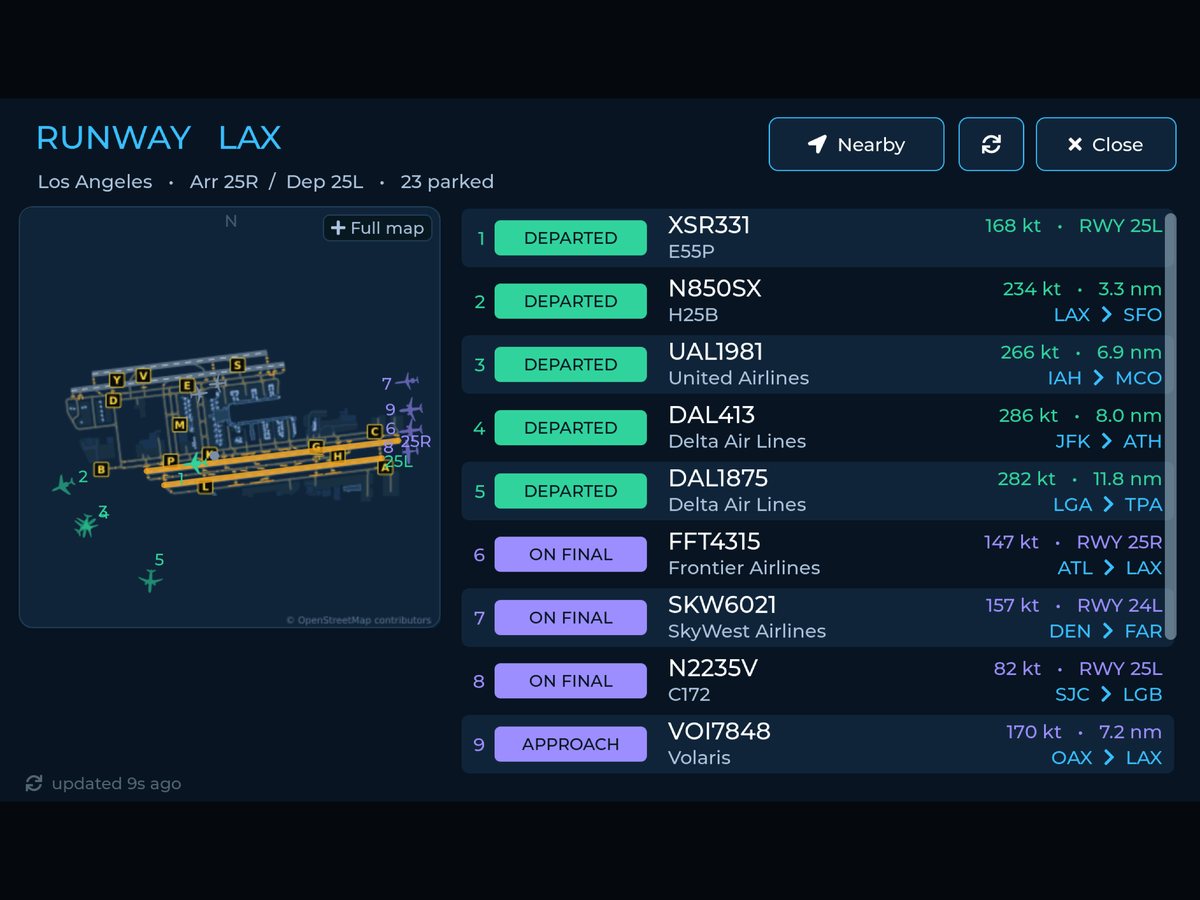
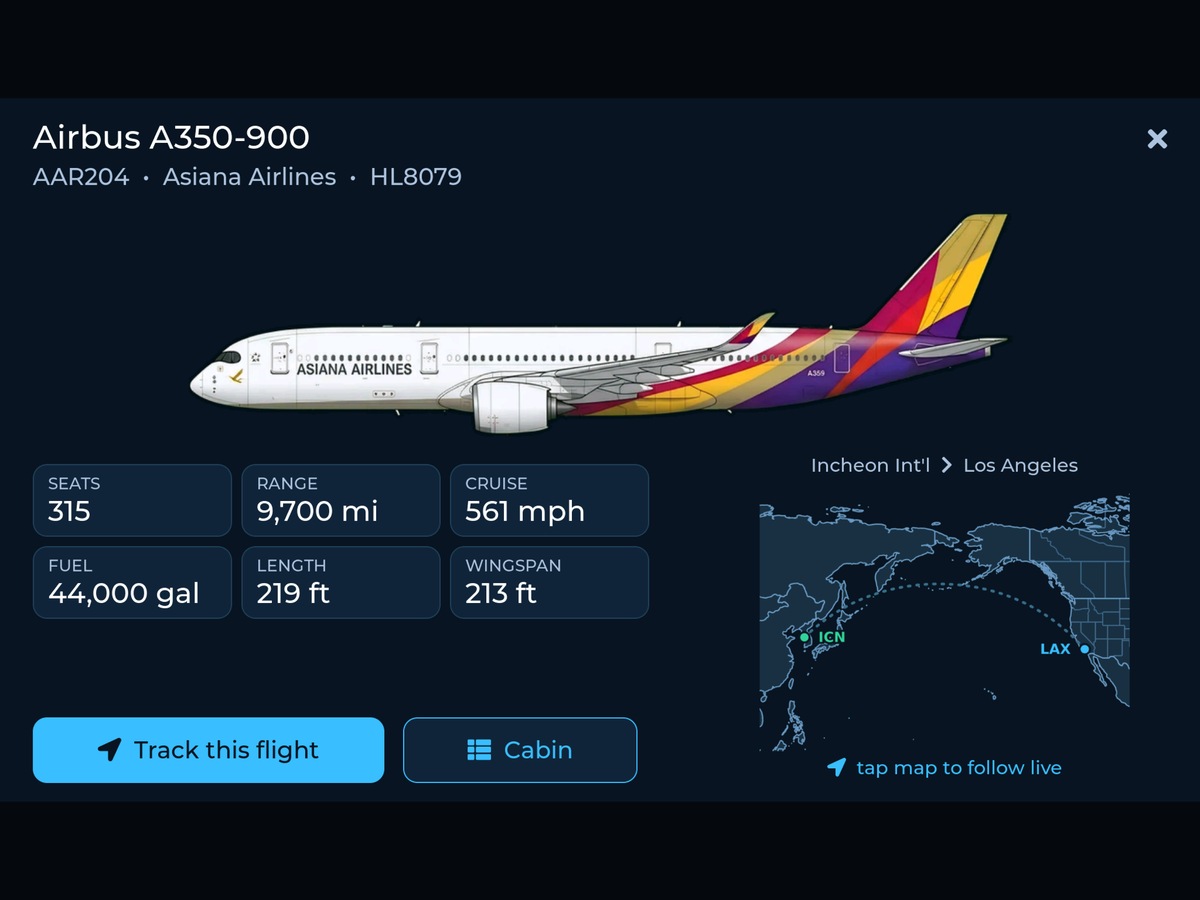
The same live display as the WingsAbove 7-inch panel, as an app. Every aircraft in range of your home gets its own card: flight number, airline livery, aircraft type, route and altitude, beside a radar map of the airspace around you. Turn the phone sideways for the sky, upright for your collection.



Rather use a browser? The apps run WingsAbove Cloud, and Cloud works in any modern browser too: cloud.wings-above.com.
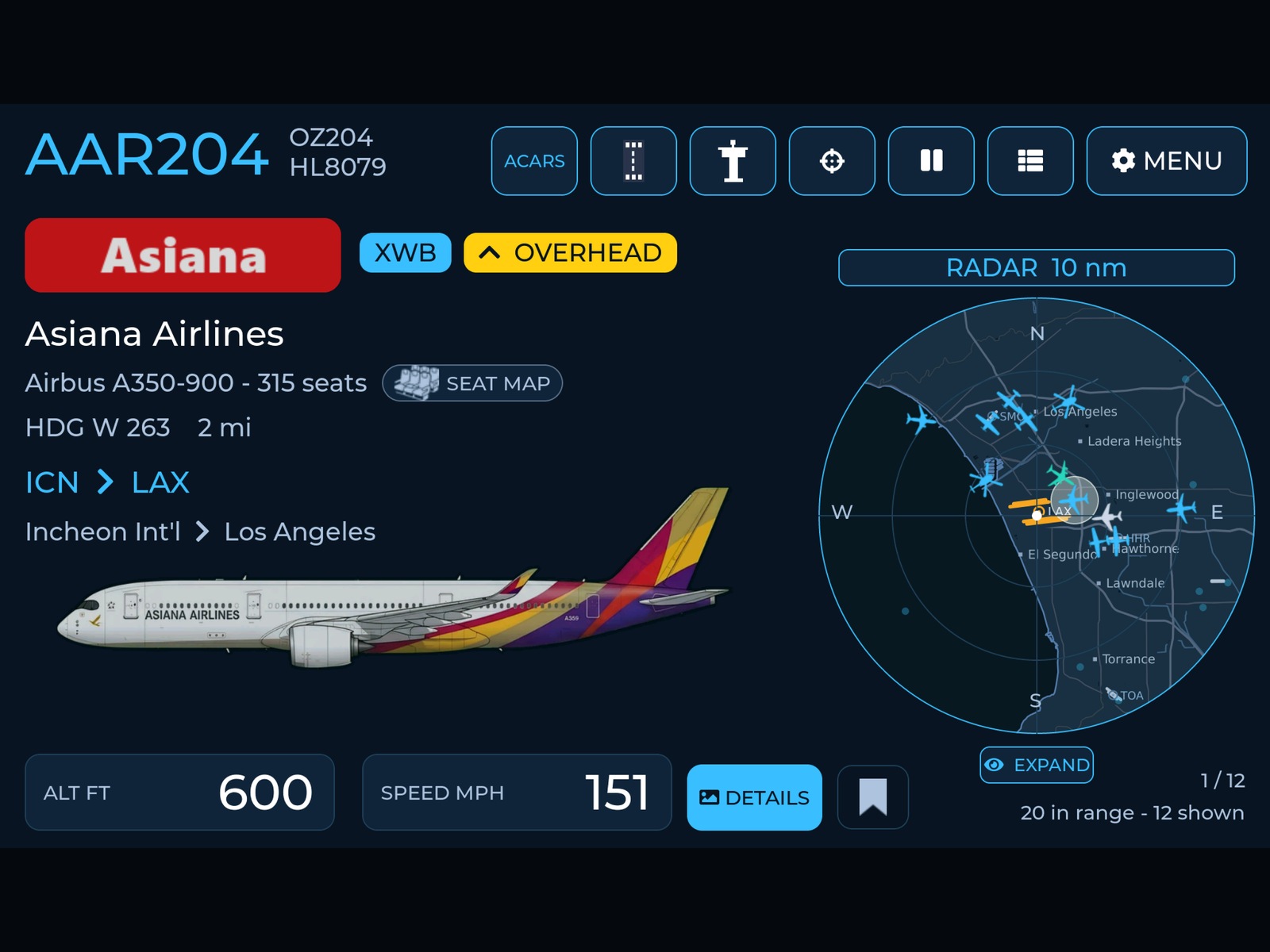
The iPad app · landscape, full screen, the screen stays awake
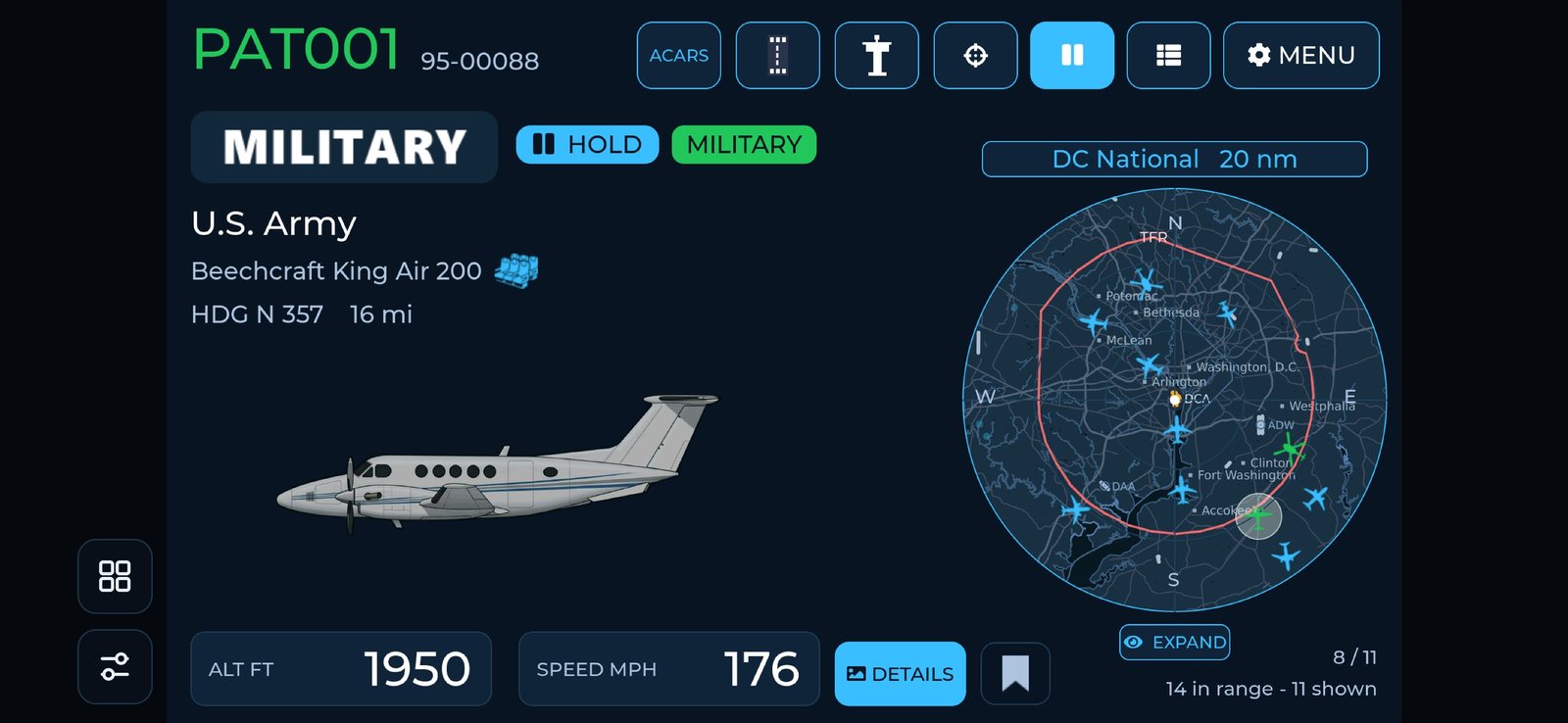
The display, on the phone in your hand.
Turn the phone sideways and it is the whole WingsAbove display: the card for the aircraft overhead, the radar, and a tap into the details. When someone asks what that was, the answer is already on the screen.
- Flight number, airline and tail number for every aircraft in range
- The aircraft drawn in its airline's colors, from our own artwork
- Route, altitude, speed and heading; one tap into live tracking, one on the plane for its cabin
- Military, VIP, medevac and emergency aircraft marked as they appear
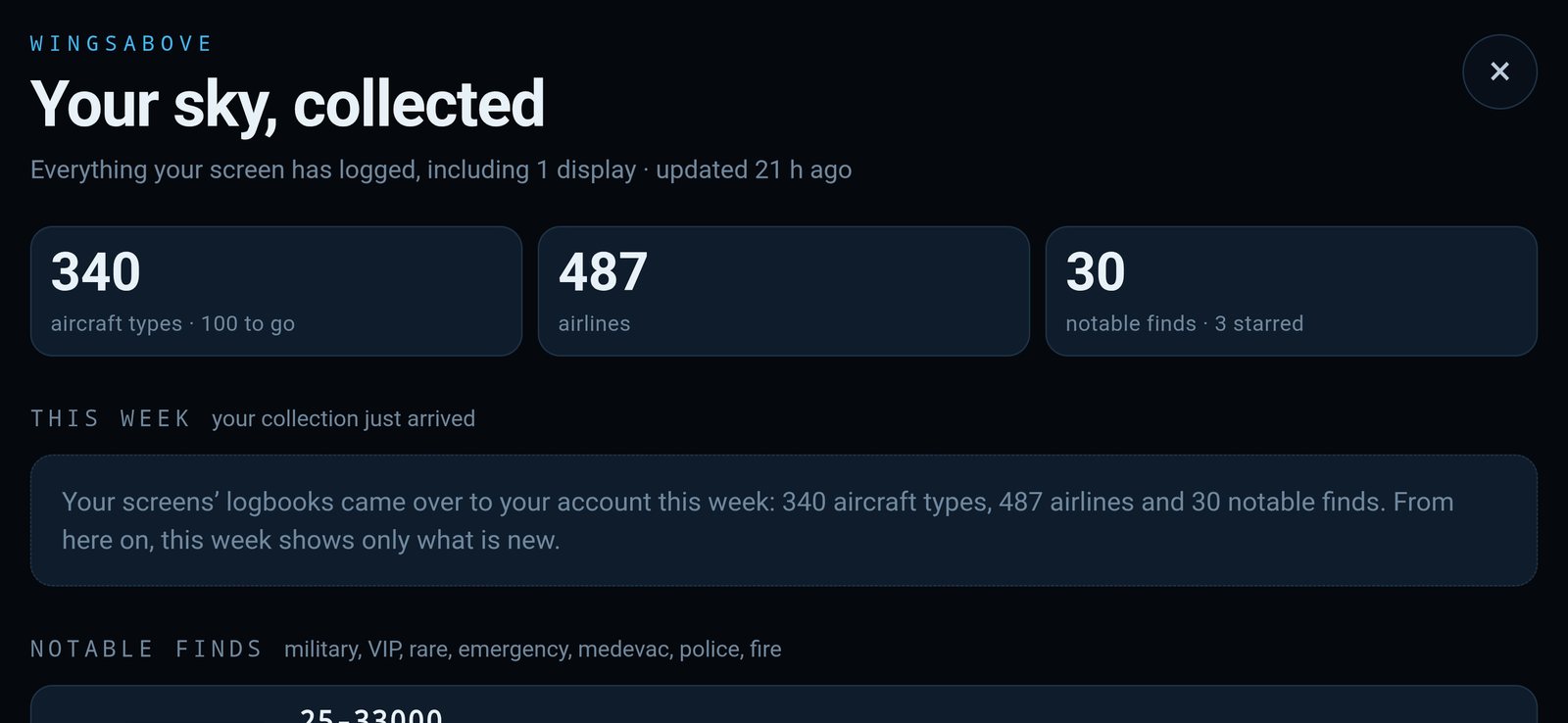
Every aircraft your screens have caught.
Hold the phone upright for the Collection: every aircraft type, airline and notable find, with the day each one first appeared, how rare it is against every other WingsAbove screen, and the types still out there.
- A card for every type with its picture and the day it was first caught
- Notable finds: military, VIP, rare, emergency and medevac, with their stars
- Own the 7-inch display? Link it once and its logbook joins the same collection
Prop it up and leave it running.
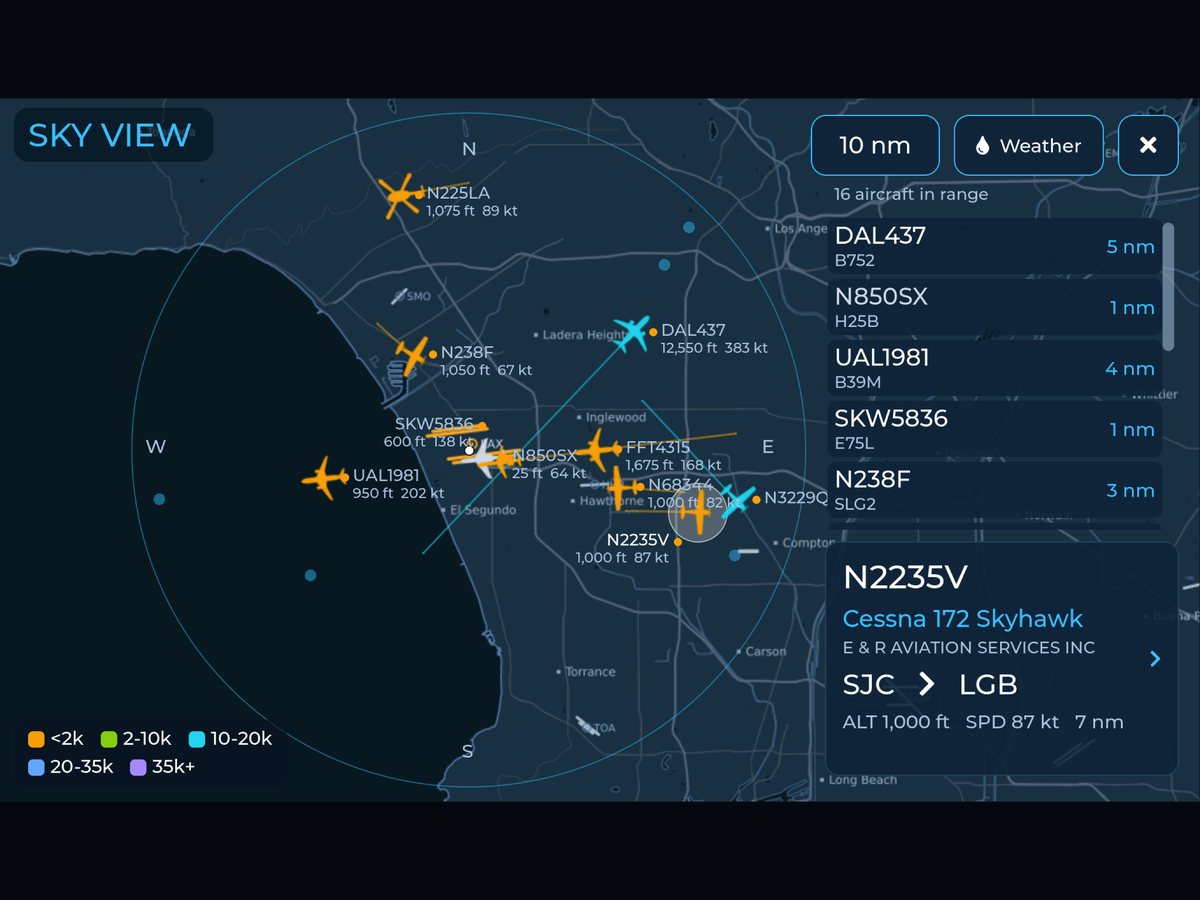
On an iPad or an Android tablet the app fills the screen and keeps it awake, so it can sit on a shelf or a desk the way the display does.
Questions about the apps.
Where do I get them?
The iPhone and iPad app is on the App Store, and the Android app is on Google Play. The Windows app is in the Microsoft Store. Search for WingsAbove in any of them.
Do I need the WingsAbove display?
No. The apps run WingsAbove Cloud, which works with no device at all. If you own the display, the same account signs you in and your display's logbook joins your collection.
Which phones, tablets and computers?
iPhone and iPad from the App Store. Android phones and tablets from Google Play. Windows 10 and 11 PCs from the Microsoft Store, full screen on a monitor or a wall screen.
Is there a tour?
Yes. The first time the app opens the display, a six-step tour points out the card, the seat map, the buttons across the top, the four screens off the edges, the radar and the menu. Take it again any time from Settings › Take the tour; the guide walks every screen.
How do I sign in?
With your WingsAbove Cloud account. Owners of the display already have one; anyone else can start one in the app. Plans and billing live on our website, never inside the app.
Can I use it without the app?
Yes. Open cloud.wings-above.com in a browser on any phone, tablet or computer. It is the same display the apps show.
The 7-inch display is always on, no phone required.
WingsAbove the device sits on a desk or a shelf and shows the sky without anyone opening anything. Six months of WingsAbove Cloud come with it, so the apps are ready when you are.
See the display